

Android TV setup
(Android TV, Tivo 4k stream, Android box
Onn android devices,
Google Chromecast with google tv)
1.Follow the video above to enable developer options

3.Go to play store on the home screen and download and search for the Fire Send app. Select and install the Fire Send application.


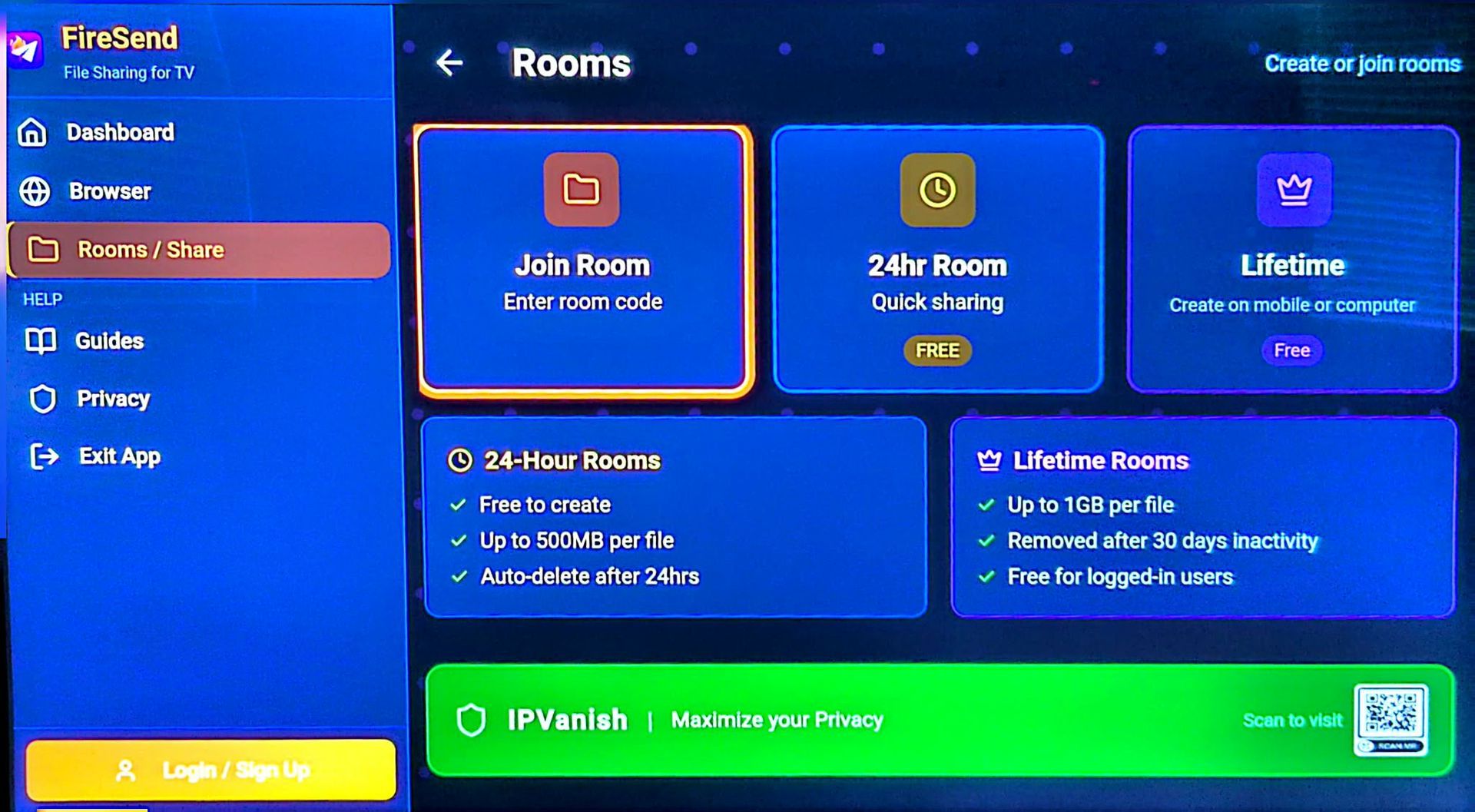

Click Join Room then enter 88MPHTV
to enter the app store location.


Click on the apps and install each one. As seen in the second pic you will be prompted to allow Fire Send to install apps.


